
Visibility · October 27, 2026 · 3 min read
Holiday hours: how to announce them so no customer finds a locked door
Closed on the 25th, open until noon on Christmas Eve, a week off in January: where and when to post your holiday hours so nobody drives over for nothing.

Every year, it's the same story. A customer drives 20 minutes on December 26th, finds the door locked, pulls out their phone... and Google says "Open". The one-star review shows up that same evening.
The problem is almost never that you closed. It's that the information wasn't in the right place, or wasn't there in time.
1. Decide early
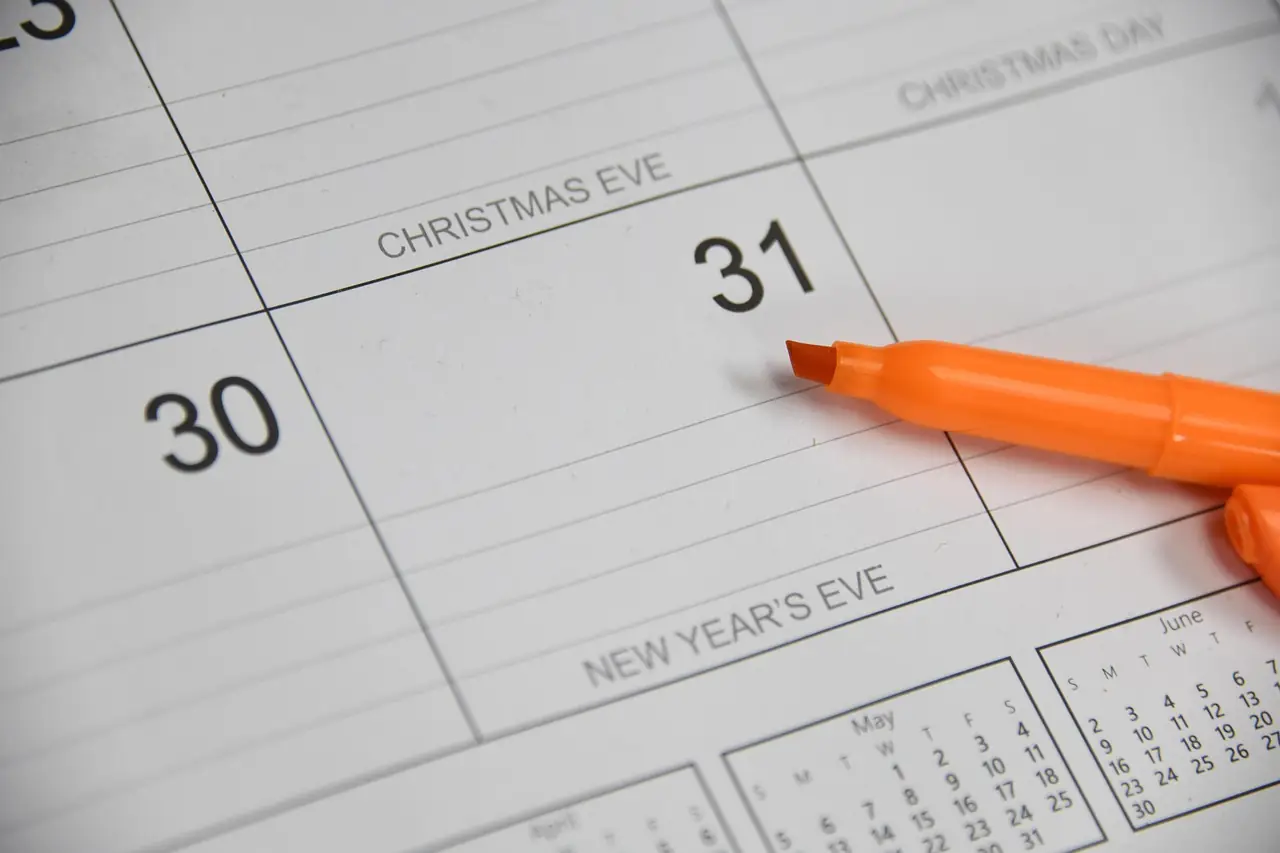
The hardest part is often making the decision. Are you open the morning of the 24th? The 26th? Closing for a week in January? Until that's settled, nothing can be announced.
Make the call in early November, with your team. While you're at it, check your state or provincial rules: some businesses simply aren't allowed to open on certain holidays.
2. Google first
That's where most customers check your hours. Google lets you enter special hours for any date, in advance, without touching your regular schedule (here's how).
Do it for every day your hours change: Thanksgiving if you're in the US, the 24th, 25th, 26th, 31st, January 1st and 2nd, and any vacation days. The day after, Google goes back to your regular hours on its own.
3. Your website
Next, your website. Customers who tap "Website" from Google want confirmation. If your site says something different from Google, they don't know which one to believe.
Ideally, your site lets you enter closures by date and shows them automatically at the right time. That's what the hours module in our turnkey websites does: you enter "closed December 25" once, the site announces it ahead of time, then goes back to your regular hours without you having to remember.
4. The door, the counter, the voicemail
- A sign on the door, readable from outside, by mid-December.
- A small card at the counter or a line on your receipts.
- Your voicemail greeting, updated before you leave on break.
- Your social media, if you use it: a post 3 weeks ahead, a reminder the day before.
5. Timing
Too early and nobody remembers. Too late and people have already made plans. A good rhythm:
- Late November: hours on Google and on your website.
- Mid-December: sign on the door, reminder on social media.
- That same week: a last-minute reminder, especially if you're closing for several days.
Don't forget orders
If you take orders (cakes, pies, gift baskets, repairs that must be done before Christmas), also announce your order deadline. That's often the one that upsets people most when they find out too late.
The problem isn't that you closed. It's that the customer didn't know.
Your turn
Are you open on December 26th this year? If the answer isn't on Google yet, now's the time: it takes two minutes.